Scheduled Background Task Screen
Data is captured on the following tab(s) of the edit screen: Overview. Below is a list of descriptions for the fields in the sections on each tab.
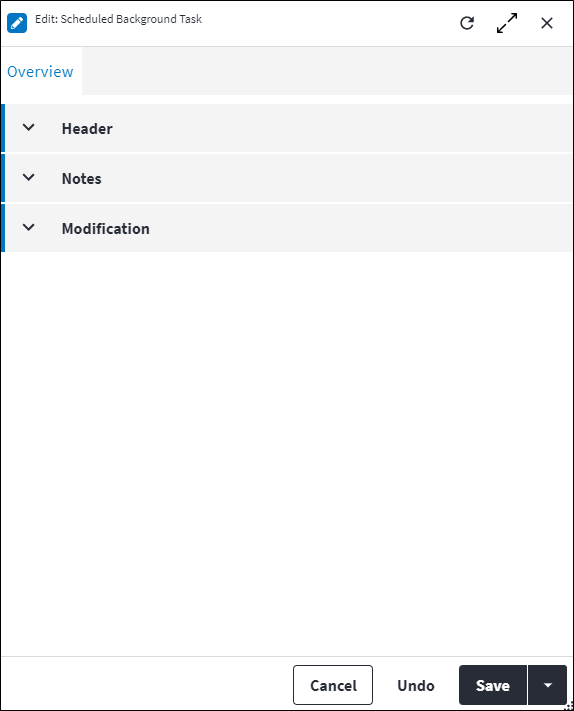
Overview
The Overview tab contains the following section(s):Header
- Request Type: The type of process for which a background task has been scheduled. This value is generated by the system.
- Name: A name for the scheduled background task.
- Schedule: The cron expression on which the schedule frequency is based. This specifies how frequently the scheduled background task should run. This will be empty for background tasks that are scheduled to run "Once Off".
- Start From: The date and time when the schedule must start, ie, when the scheduled background task will be initiated.
Notes
Add additional details, comments or other relevant information.Modification
Displays details of when the record was created and last updated. This section is autopopulated and requires no user input.Assist custom actions
The following custom actions are available in the Assist panel in the sidebar. Keep in mind that some of these custom actions are only available from the edit screen, while others are available from both the dashboard and edit screen.- Add to Compare: Refer to Add Items for Comparison.